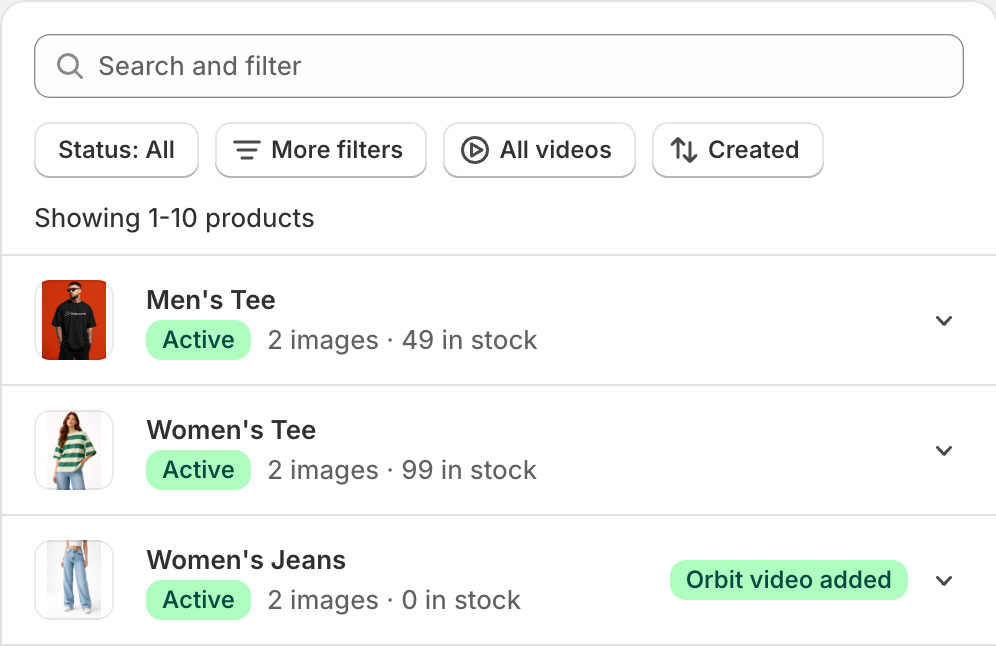
View all your products within our Shopify App. Search and select which product you'd like to create a video for.
02
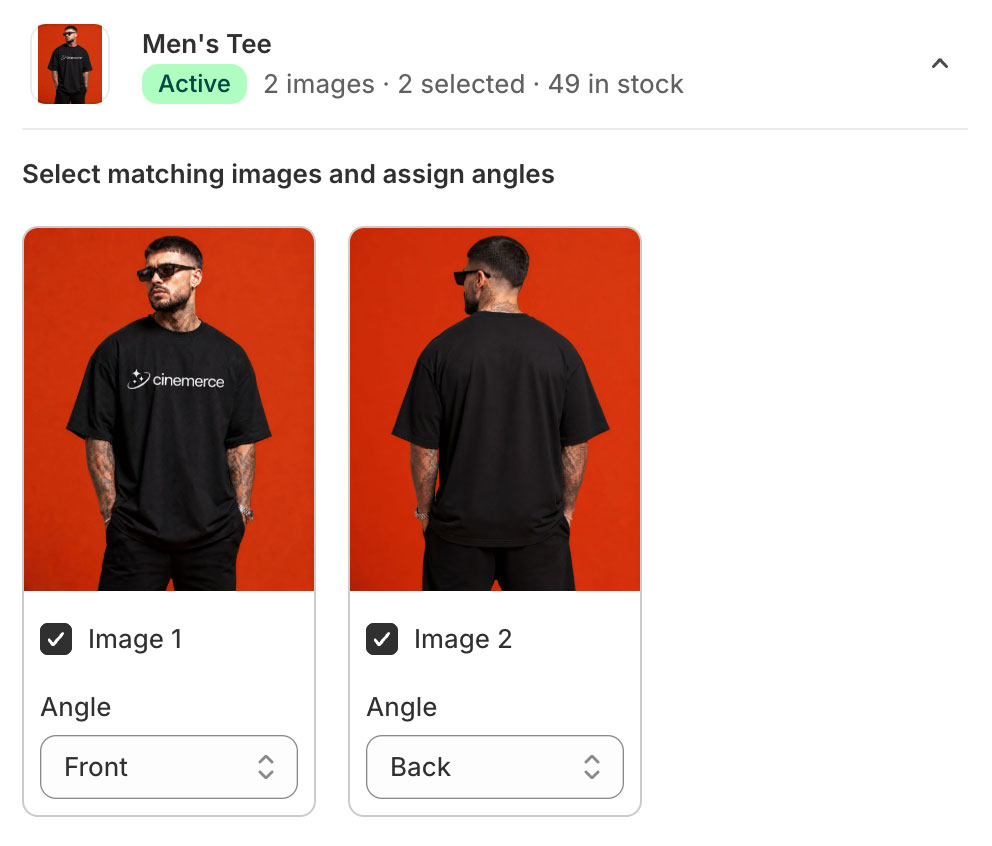
Select images and assign angles
Select the photos to use within your video. Clean, consistent, high-resolution images produce the best results.
03
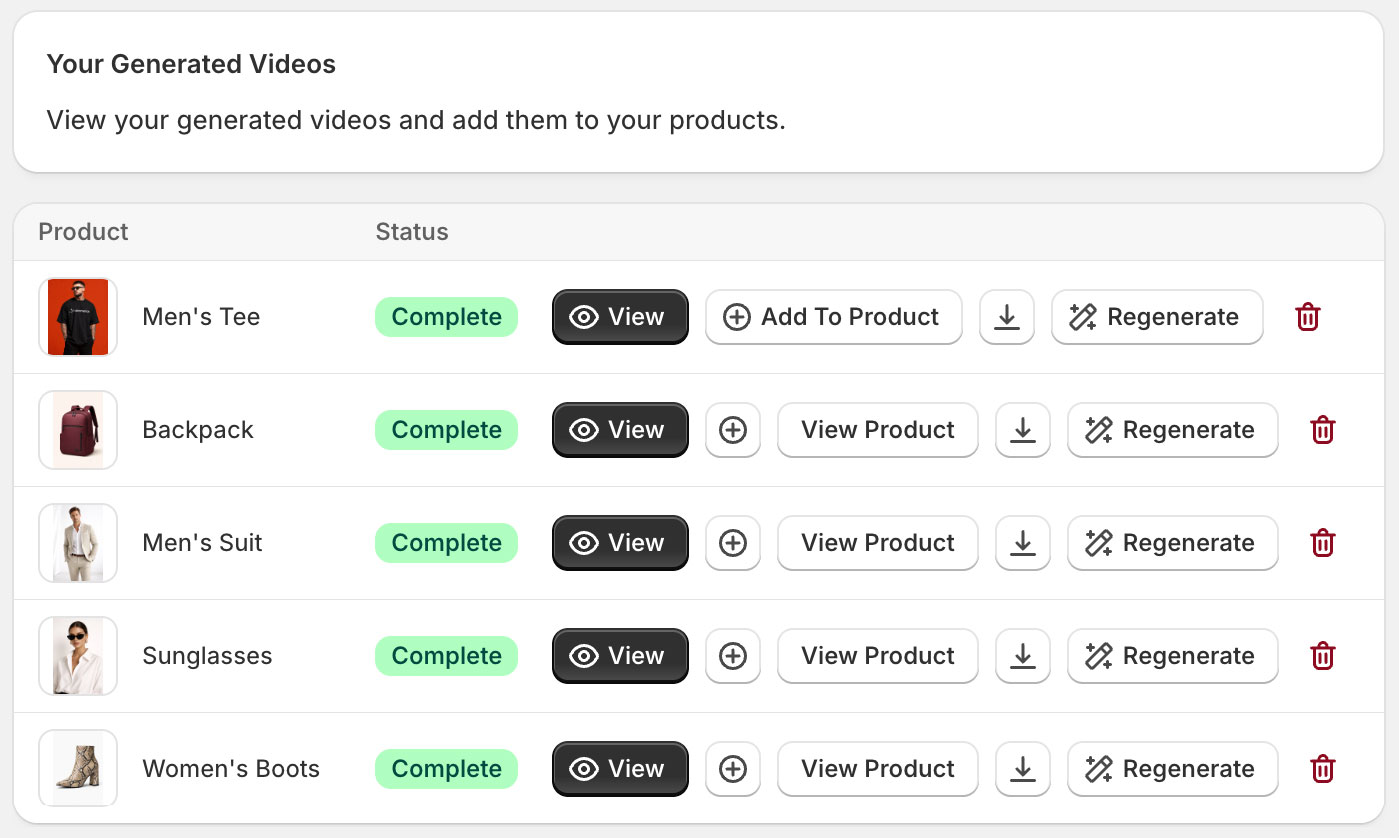
Add your Generated Video to your Product
Click Add to Product and Cinemerce will automatically upload to your Product's media gallery.
04
Saved to Product
Press View Product to open your product within Shopify and see your product video within your Product's media gallery. Open product on your storefront to view live on product page.
Add To Cart
05
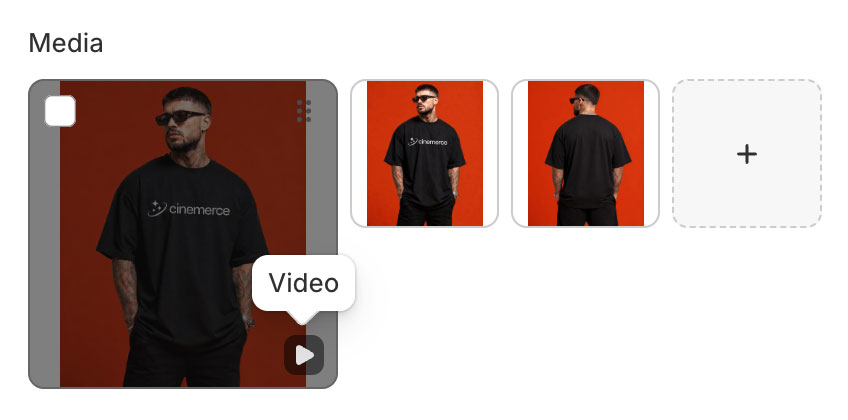
View Video on Product Page
Open your product within your store and view your product's new engaging video.
Cinemerce AI Product Video Studio
Add Cinemerce to Your Shopify Store
Transform your Shopify Store with quality AI generated product videos